


Project management tools for top performing teams


Execute any project process or methodology on one platform


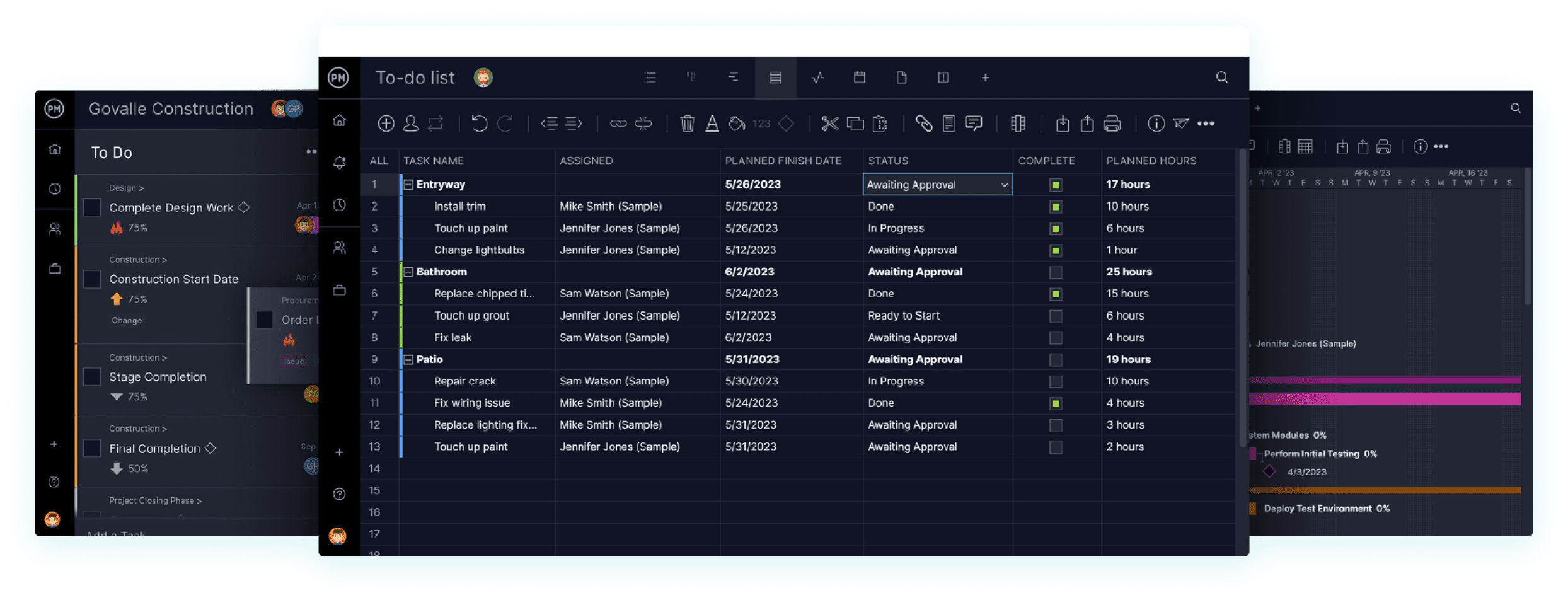
Critical path management
Quickly filter our Gantt charts to find the critical path for your project.



Online project planning tools
Plan, schedule and share your projects online with award-winning Gantt charts by ProjectManager. As team members update their assigned tasks, their changes are shown across our project management tools.
- Schedule milestones and dependencies
- Drag and drop timelines for quick changes

Web-based task management tools
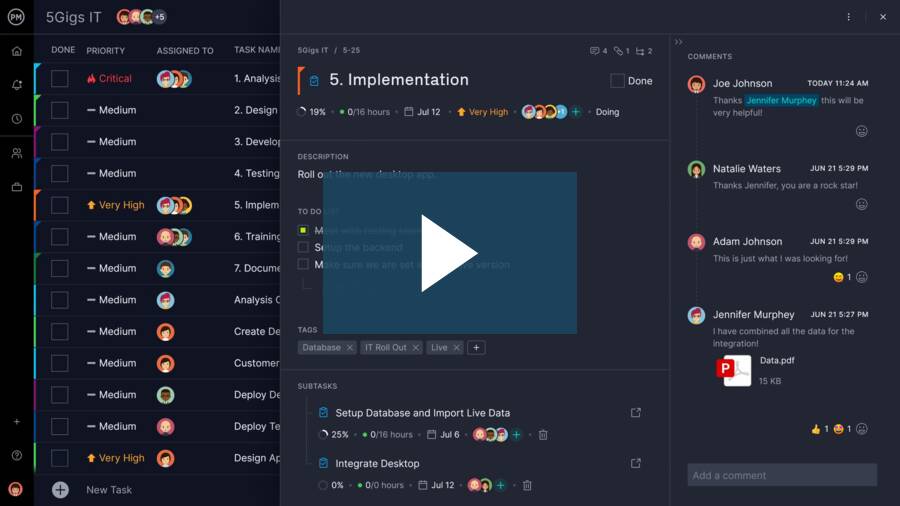
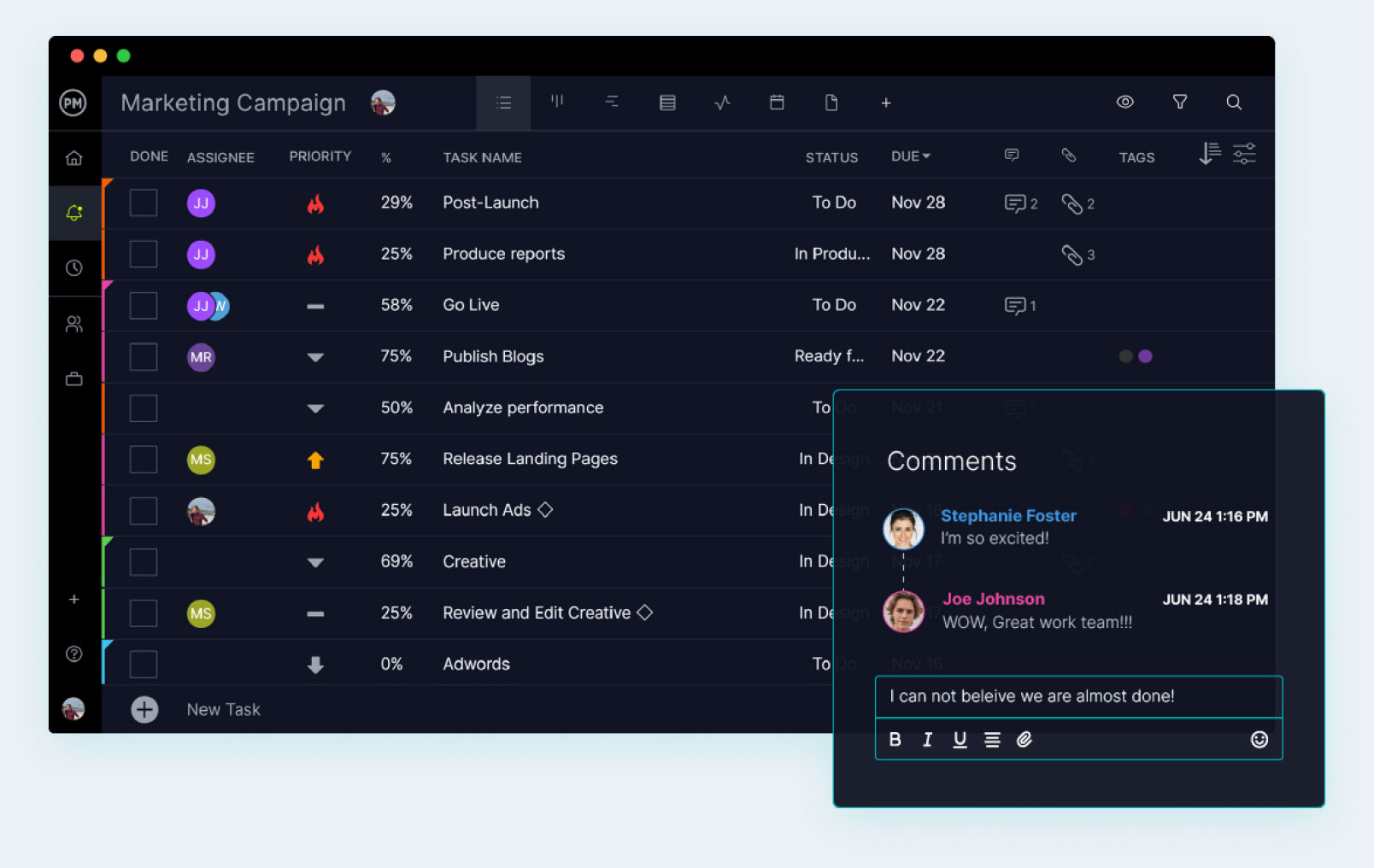
Choose from a number of task management tools to manage your work, including task lists, kanban boards, sheets and calendars. With ProjectManager’s cloud-based project management tools, team members can collaborate on tasks from anywhere.
- Share files, add comments and attachments
- Organize tasks from multiple projects
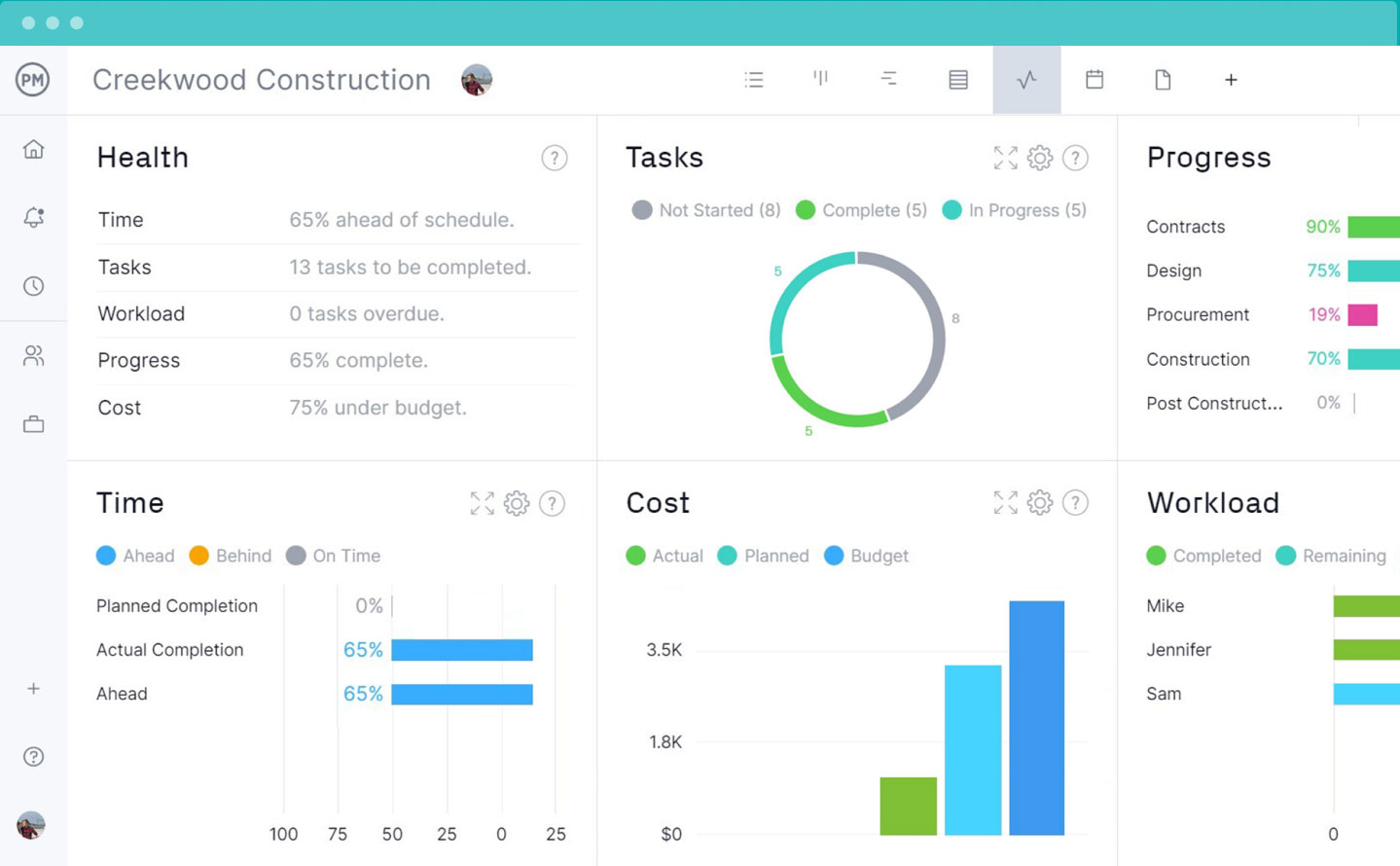
Real-time project dashboards
Project dashboards tell you at a glance whether your project is on track. Task, cost and time tracking data is displayed in charts that both project managers and team members can understand and use.
- Track tasks, budgets and teams
- No complex set up required
Award-winning project portfolio management tools

 Multiple projects
 Resource tools
 Timesheets
 Project reports
Manage multiple projects
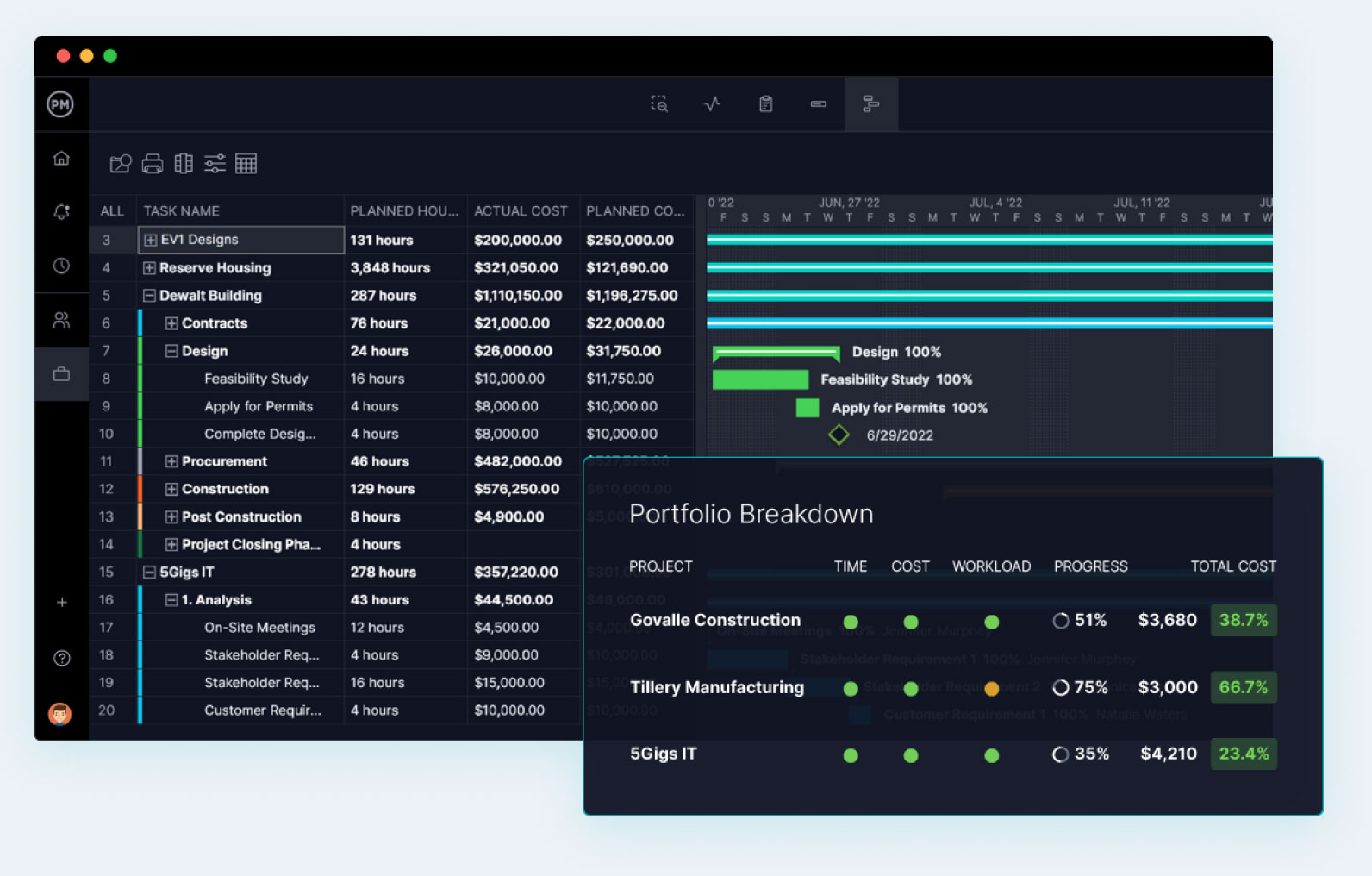
PPM tools like roadmaps and portfolio dashboards make it simple to manage multiple projects and programs. Get real-time business intelligence across your organization with our web-based project management tools.
- Organize projects into programs & portfolios
- Create plans with interdependencies
Resource management tools
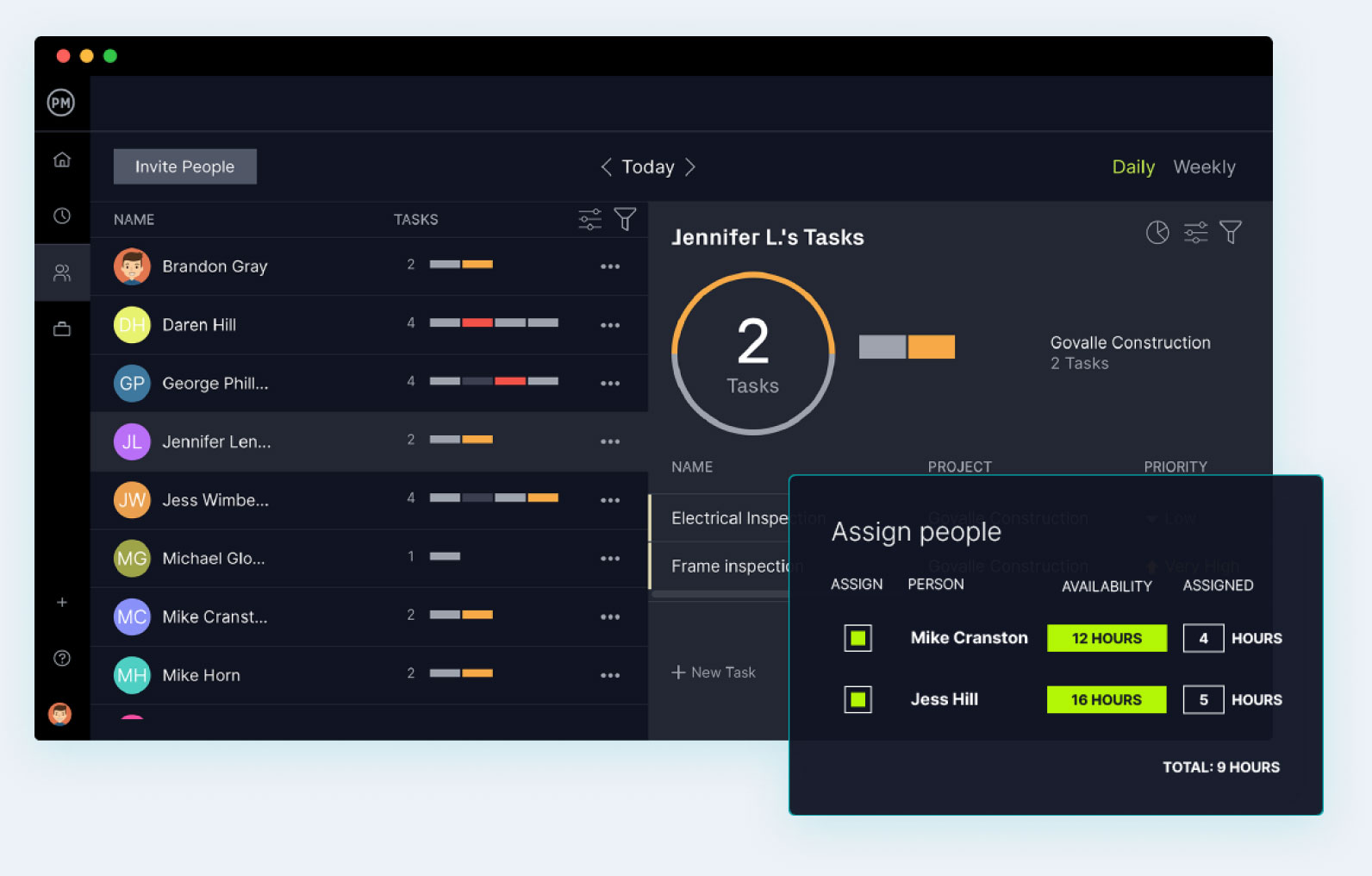
Manage resources and team workload across all your projects. Know at a glance if the right resources have the right amount of work. Even account for holidays in the project schedule.
- Track resource utilization and project costs
- Set availability and balance workloads
Timesheets
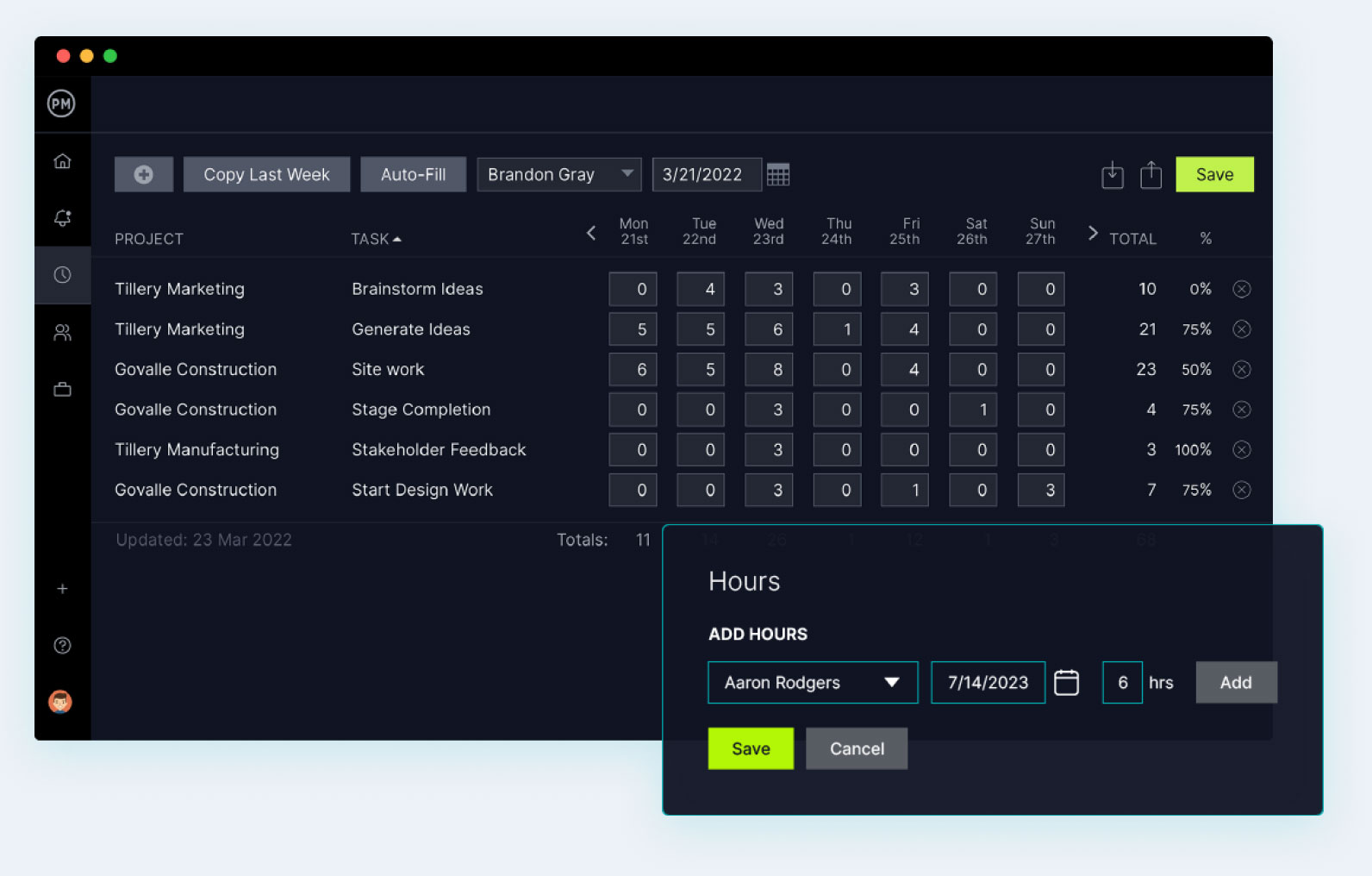
Online timesheets that save time Track time, log hours and populate timesheets within one project management system. Timesheets can be auto-filled with last week’s tasks for fast, easy time tracking.
- Create timesheet reports for detailed analysis
- Streamline project budgeting and payroll
Project reporting tools
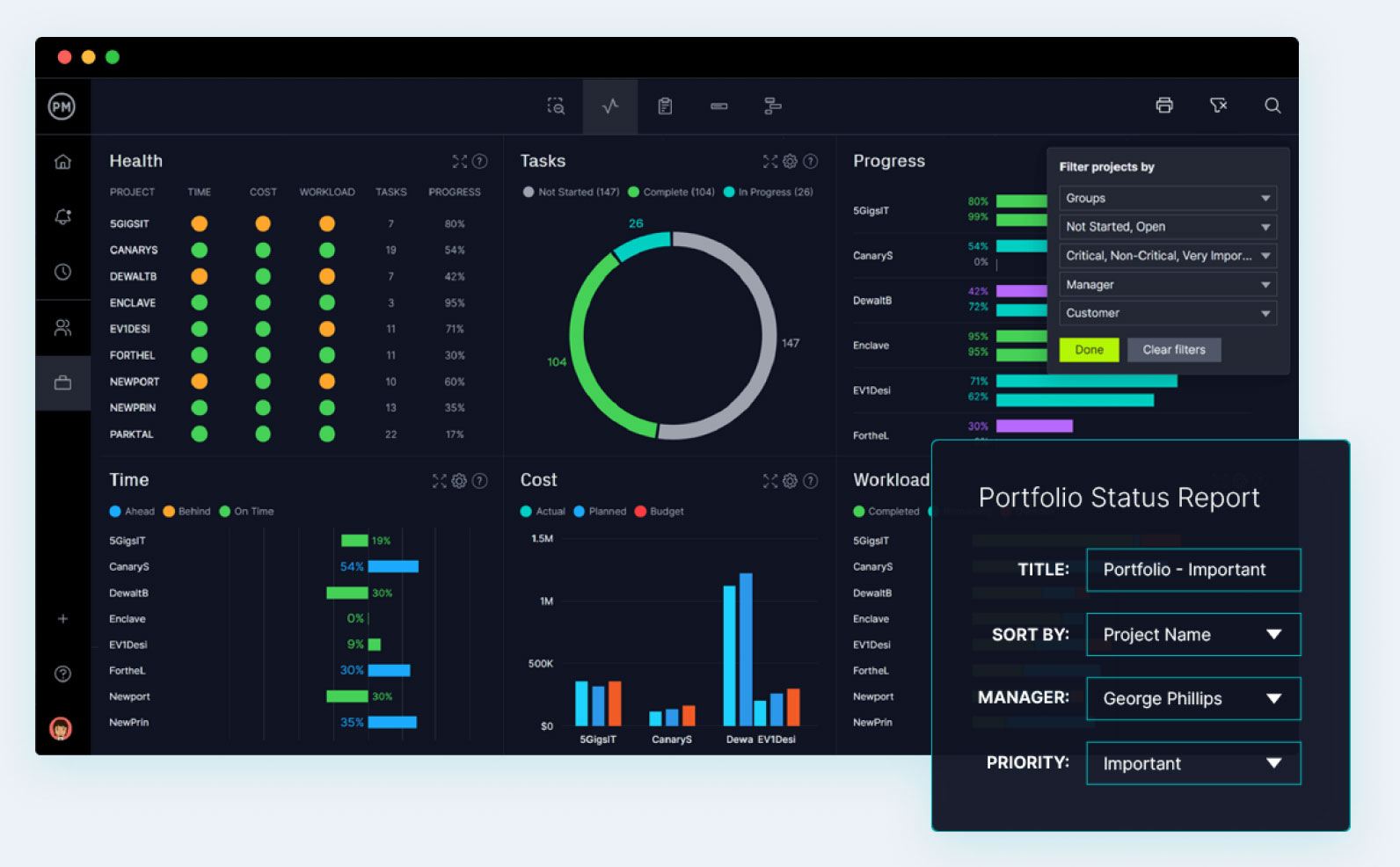
Create project management reports with the push of a button. Project managers can report on status, availability, time, variance and more. Review and export as a PDF, Word or Excel file.
- Customize reports with interfaces
- Get the insights to hit your project goals









Integrate with over 1,000 business & project management apps

Add Google links to tasks for easy collaboration. Plus, sync to Google Drive & Google Calendars via Zapier.

Microsoft
Seamless importing and round-tripping of Microsoft Project plans, Excel files and CSV files.

Zapier
Keep the data flowing when you connect with Salesforce via our Zapier integration.






Powerful for managers. Flexible for teams.
Trusted by 35,000+ users worldwide.

“The reporting feature is outstanding – lets you personalize the reporting, and export it.”

“It has an excellent price if we think about all the functions that ProjectManager has.”

“I feel good about recommending ProjectManager because of the people you have in support”
Start your free 30-day trial
Deliver faster, collaborate better and innovate more effectively without the high price tag or months-long implementation required by other products.