


Get started in minutes
Create projects, import your work from popular third-party apps or use one of our industry-specific templates to get started with our project planning software.

Collaborate with teams
Onboard the team and create a collaborative hub for everyone to work on your project plan. Work better together from anywhere with online project planning tools!

Track and share progress
Our project planning software has Gantt charts, kanban boards, task lists, calendars and dashboards for a full view of the health, progress and costs of all your projects.

Powerful, yet easy to use
ProjectManager’s user interface is easy for anybody on your team to use yet sophisticated enough for those who like to get the most out of their project planning software.
- Manage complex workflows with task and time-tracking features
- Track resource management plans & manage workload
- Handles teams from ten to ten thousand

Maximize results, reduce costs
No more guesswork. ProjectManager provides real-time task management data so you can always direct your effort to what makes the most impact.
- Set project baselines to keep project plans on track
- Manage project budgets with cost management features
- Track resources across a project portfolio

ProjectManager’s project planning software at a glance
ProjectManager is an award-winning project management software equipped with the best project planning tools for project managers and team members. Choose between Gantt charts, kanban boards, task lists and more. Here are some of our key features.

Gantt charts
Track the critical path, task dependencies and milestones on the industry’s best Gantt chart.

Project management dashboards
Your project data is automatically calculated and presented in graphs.

Kanban boards
Create flexible workflows with drag-and-drop cards and custom kanban boards.

Project reports
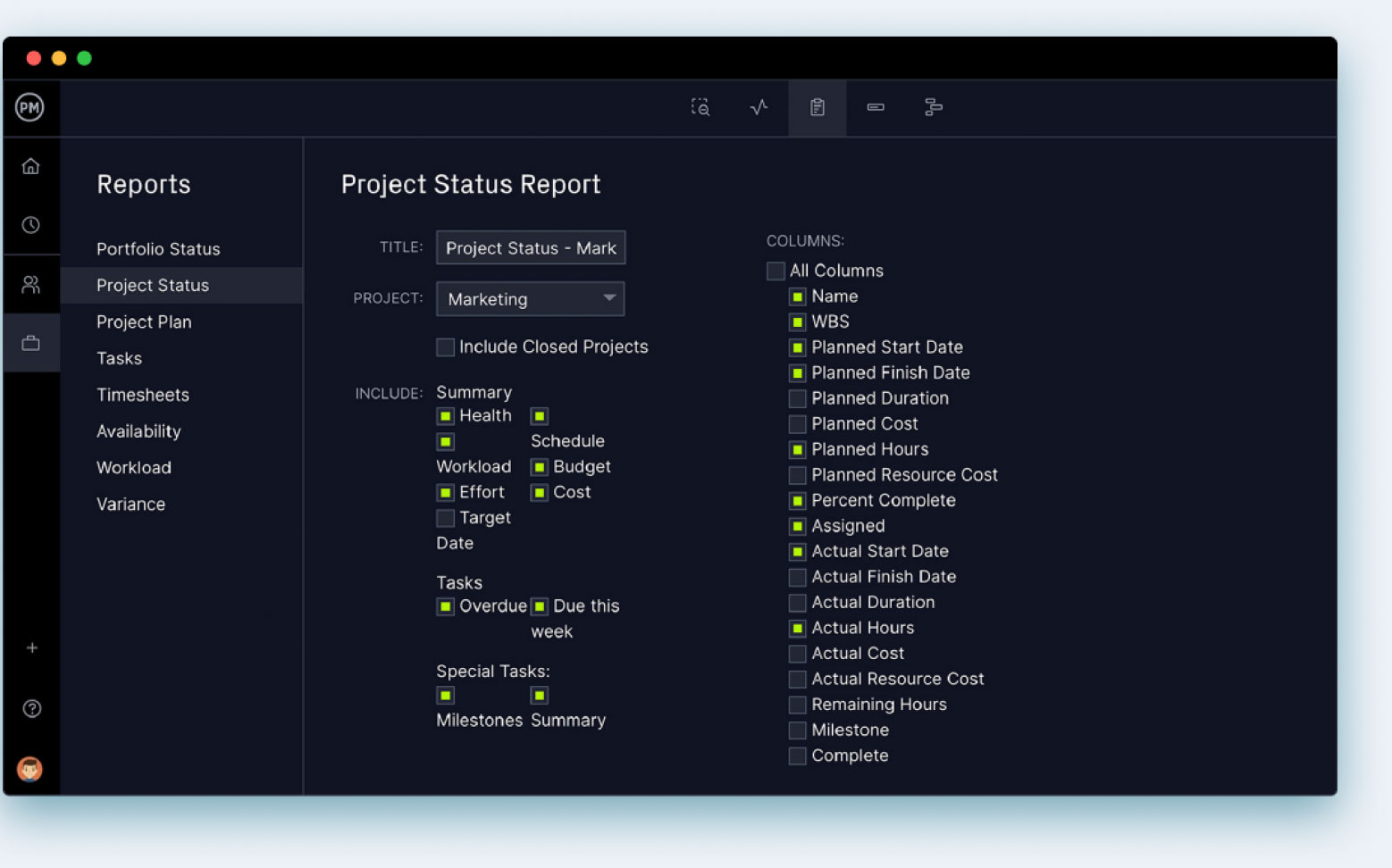
Share customizable project status reports for your stakeholders you can print or share online.

Workload charts
Keep your team working efficiently with resource planning tools.

Roadmaps
Plan your project portfolio on a powerful PPM roadmap, perfect for managing multiple projects.

Project calendars
Built-in team and project planning calendars that sync with your Google Calendar.

Timesheets
Get online timesheets your team can update anytime, anywhere.
Powerful project planning tools for any team

 Gantt charts
 Task lists
 Kanban boards
 Team management
 Project reports
 MSP compatibility
Plan long and short projects
Online Gantt charts make project planning easy, no matter the size of your project. Your task list is organized on a project timeline, so you can link those dependent tasks and monitor progress in real time. Add as many columns as you like and customize the Gantt to match your project. Tracking tasks and costs keep your project on time and within budget.
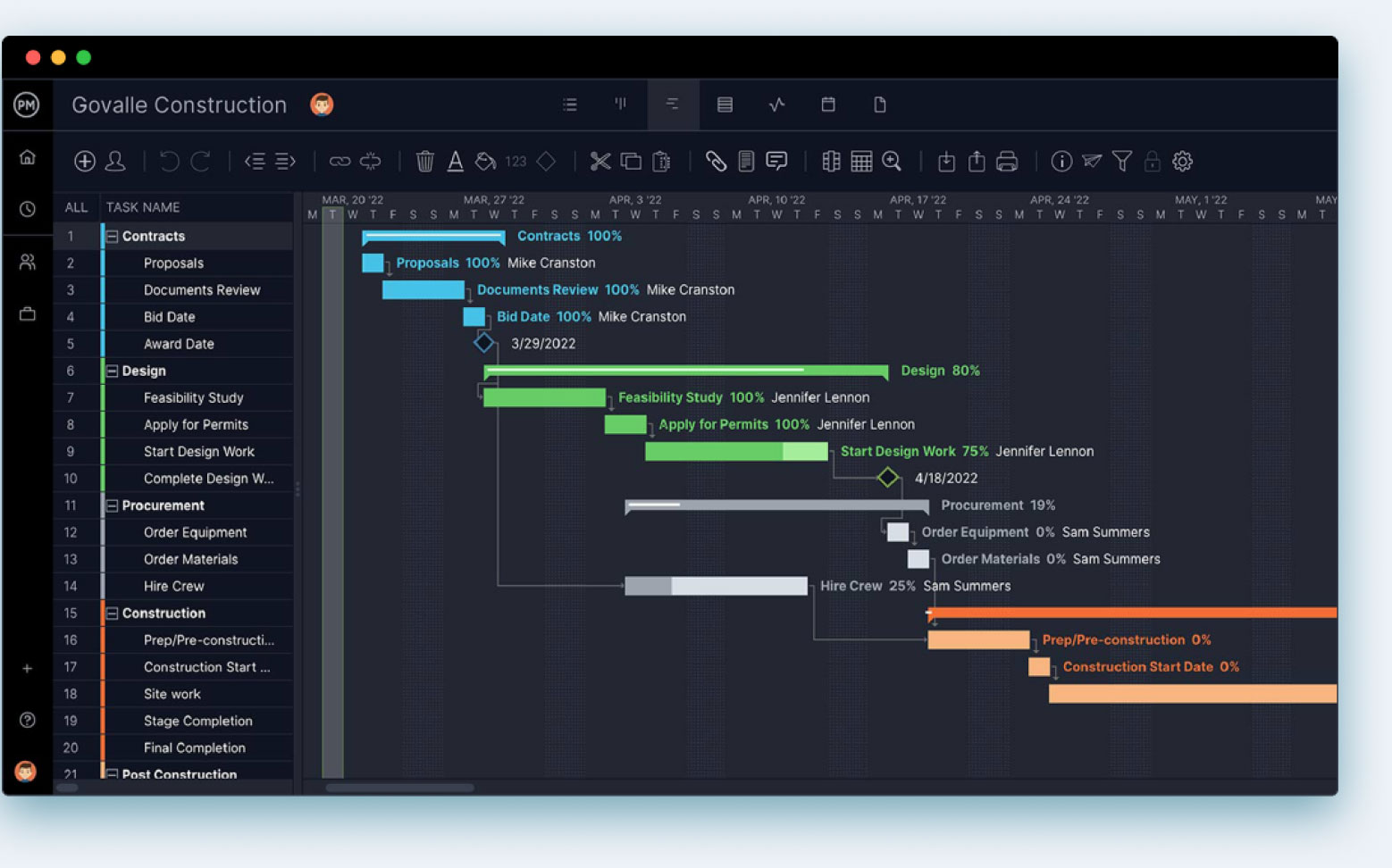
Organize work for your team
Prioritize your tasks; tag them by project, assignee and more to make them easy to find quickly. Use Gantt charts, kanban boards and task lists to plan a project or manage your own workload and increase efficiency. Our project planning software offers unlimited file storage, so you can attach as many documents to your tasks as you need.
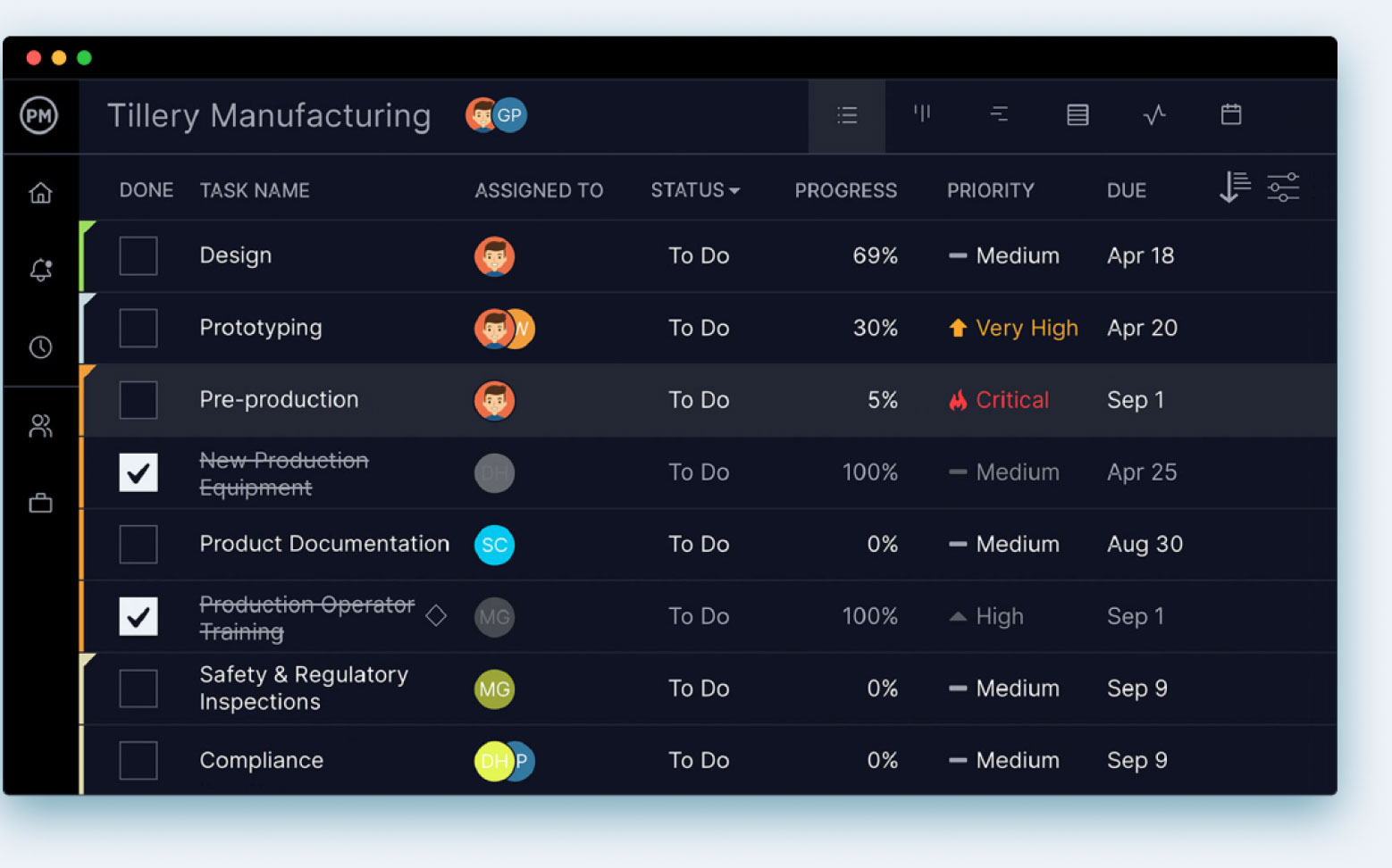
Teams manage their own tasks
See your team’s workflow and stay clear of bottlenecks with our kanban board. Teams know what they need to work on next and managers get transparency into the process. You can match project resources to your team’s capacity and boost their productivity.
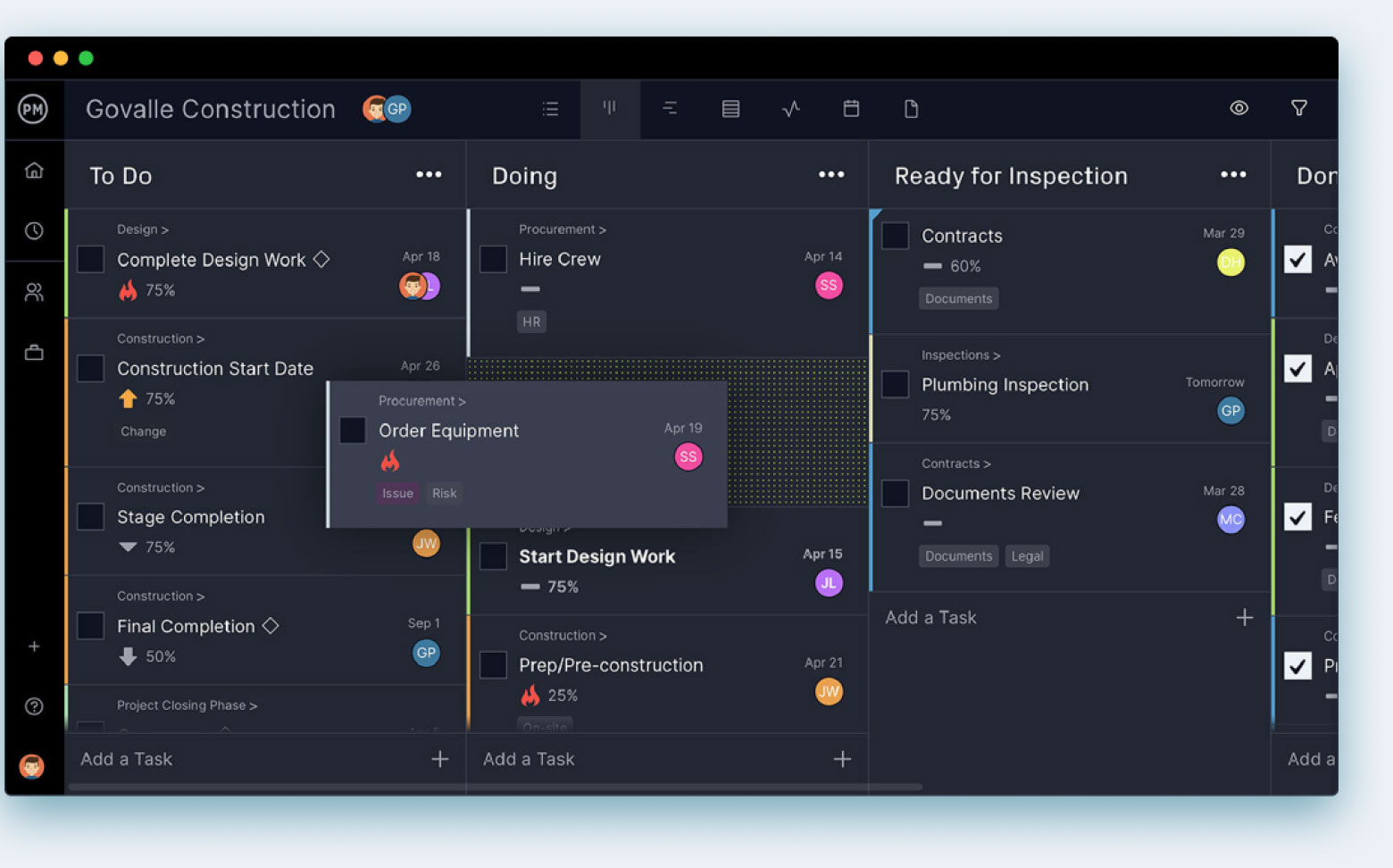
Collaborate and balance workload
See everyone’s hours with our color-coded workload page. Then reassign tasks to balance your team’s work with a couple of clicks. For a quick snapshot of today or this week, check out the team page to see everyone’s tasks. You can reassign tasks from here, too.
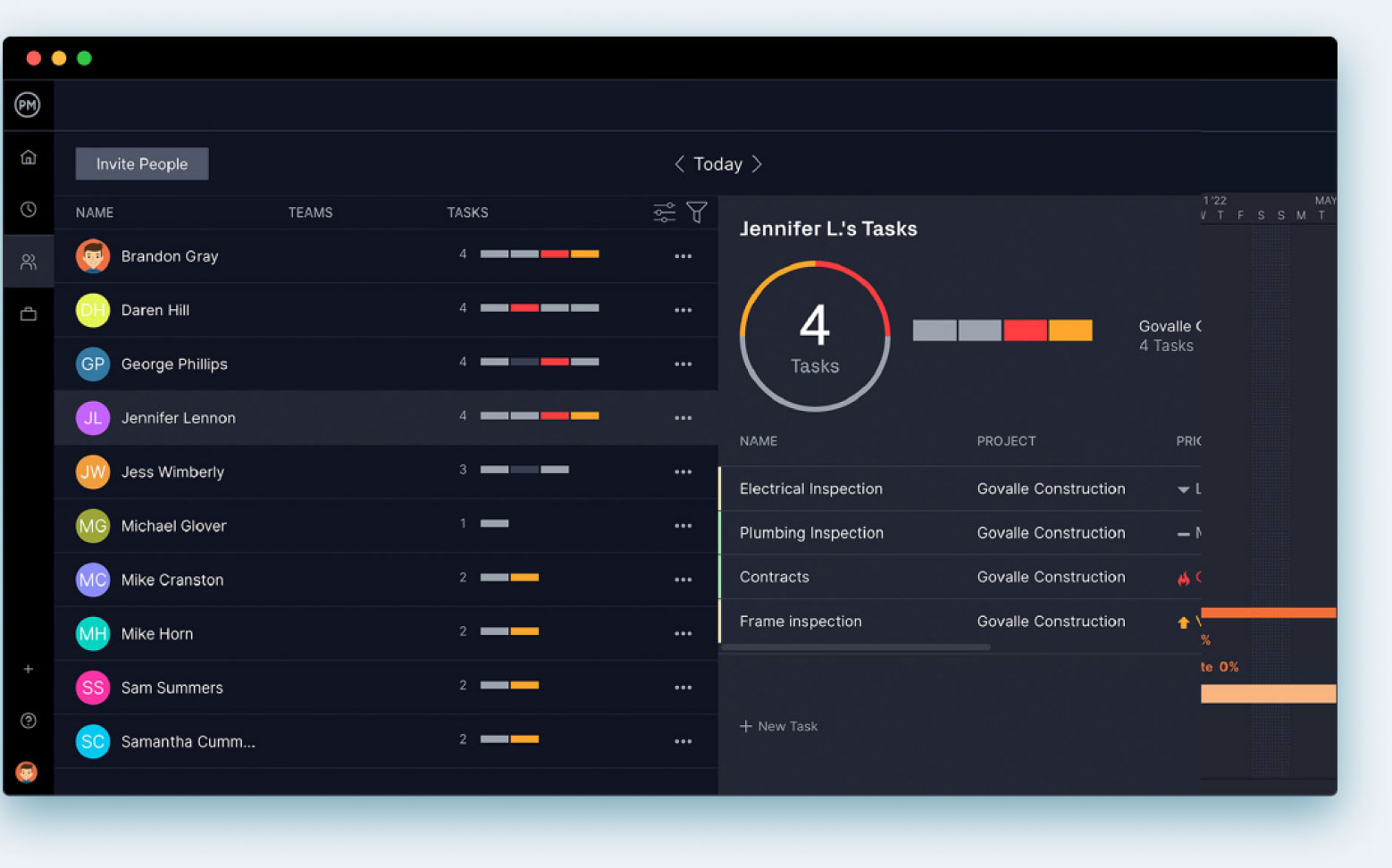
See your progress as it happens
Monitor your project’s progress, variance, tasks and more with automated project reporting features. See the data you want by filtering the report. If you’re looking for a more high-level view of the project, our project planning software tracks it. We crunch your data into colorful project dashboards, graphs and charts, so you can keep your project plan on track.
Better than MS Project
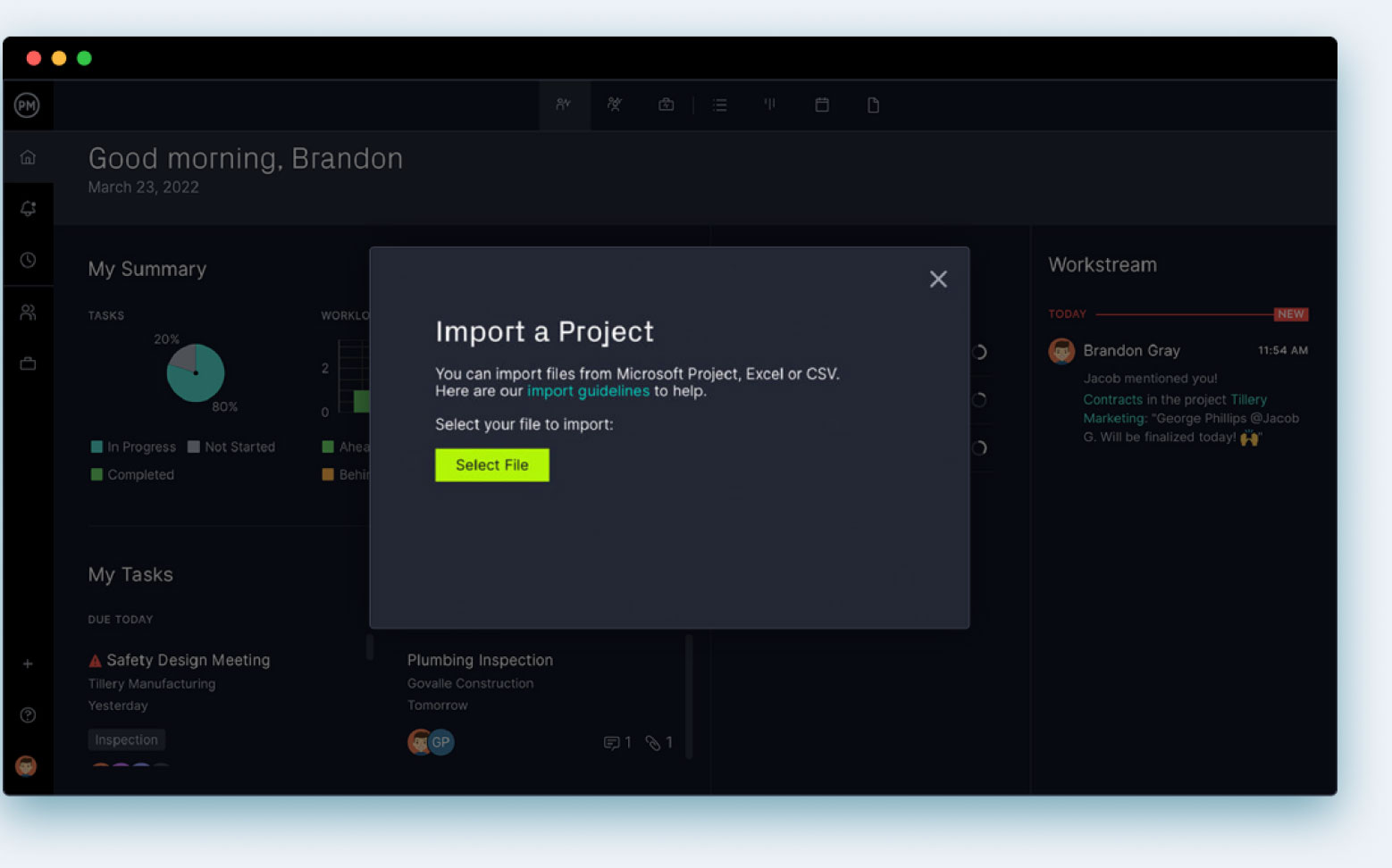
Easily import Excel and MPP files into our software, so now you can share and edit project plans without hassle. Better yet, lose the headaches of Microsoft Project altogether. It’s expensive, hard to use and we do all that MS Project does only better, faster and more easily.

Integrate with over 1,000 business & project management apps

Add Google links to tasks for easy collaboration. Plus, sync to Google Drive & Google Calendars via Zapier.

Microsoft
Seamless importing and round-tripping of Microsoft Project plans, Excel files and CSV files.

Zapier
Keep the data flowing when you connect with Salesforce via our Zapier integration.






Powerful for managers. Flexible for teams.
Trusted by 35,000+ users worldwide.

“The reporting feature is outstanding – lets you personalize the reporting, and export it.”

“It has an excellent price if we think about all the functions that ProjectManager has.”

“I feel good about recommending ProjectManager because of the people you have in support”
Start your free 30-day trial
Deliver faster, collaborate better and innovate more effectively without the high price tag or months-long implementation required by other products.